Loading

Loading
Rackroom Shoes Checkout
Role
UX/UI Designer
Overview
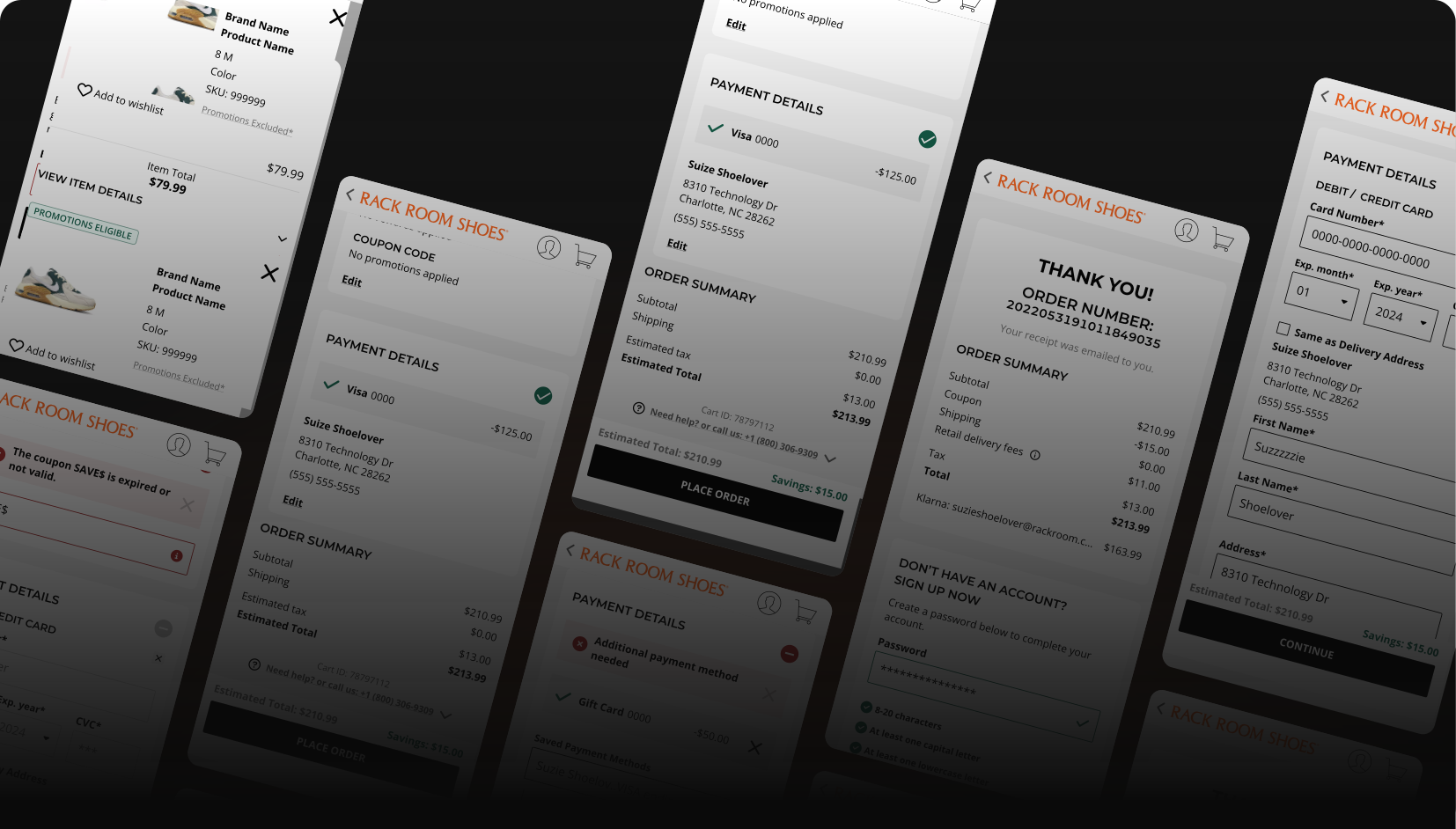
The goal of this project is to improve Rack Room’s checkout flow by addressing key pain points, such as sign-in interruptions, autofill issues, and limited ability to review/edit information. We aim to streamline the process, reduce clicks, and enhance user satisfaction to increase conversions and lower cart abandonment.
Transitioning from a multi-page application (MPA) to a single-page application (SPA) will provide a faster, more responsive, and seamless experience by loading only necessary content. SPAs improve speed, interactivity, and reduce friction, leading to a smoother checkout process and better user engagement.
Team
Justin Lowery | Frontend Architect
Timeline & Status
3 Months
Launched
Highlights
Highlights
problem
Turning Obstacles into Opportunities
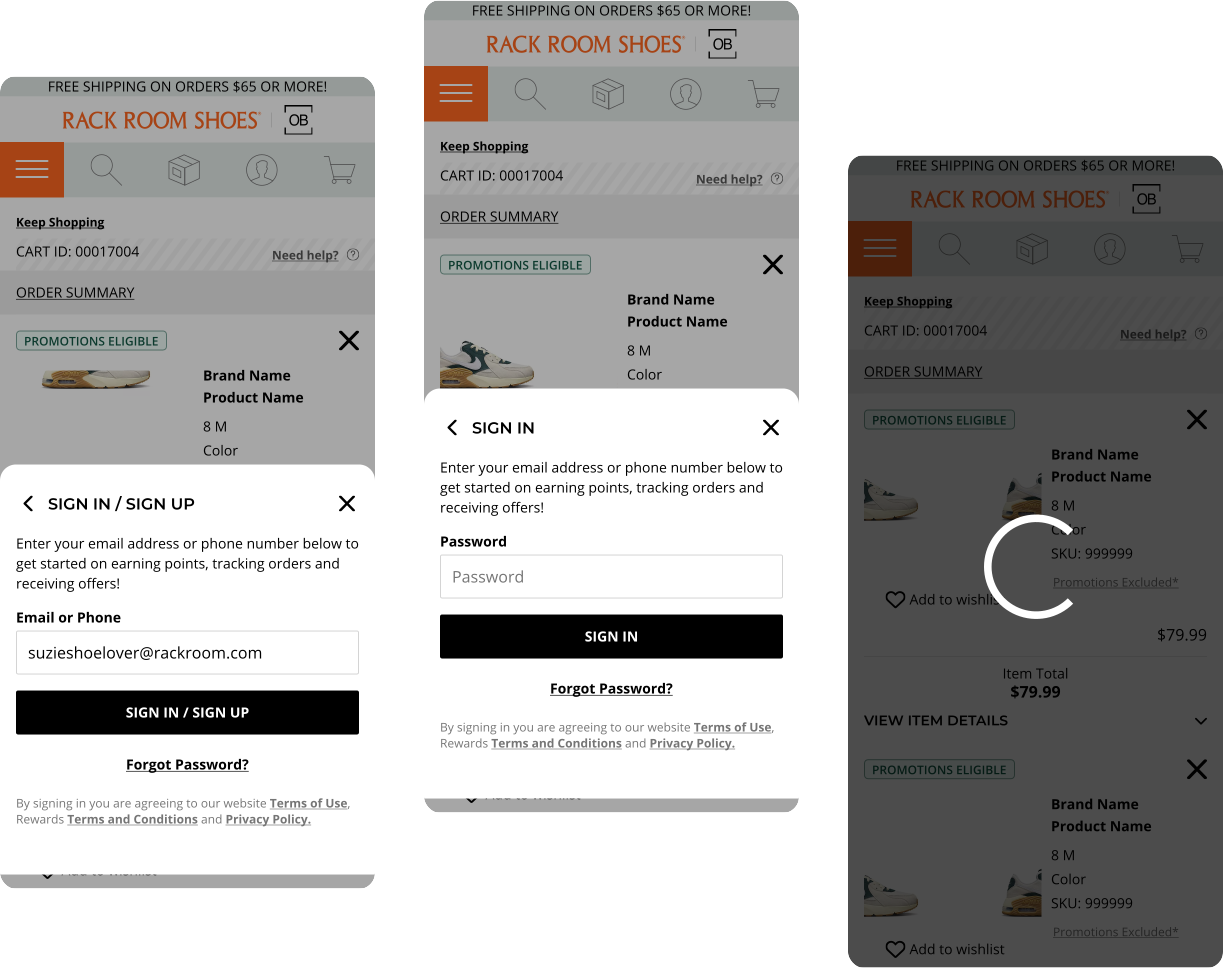
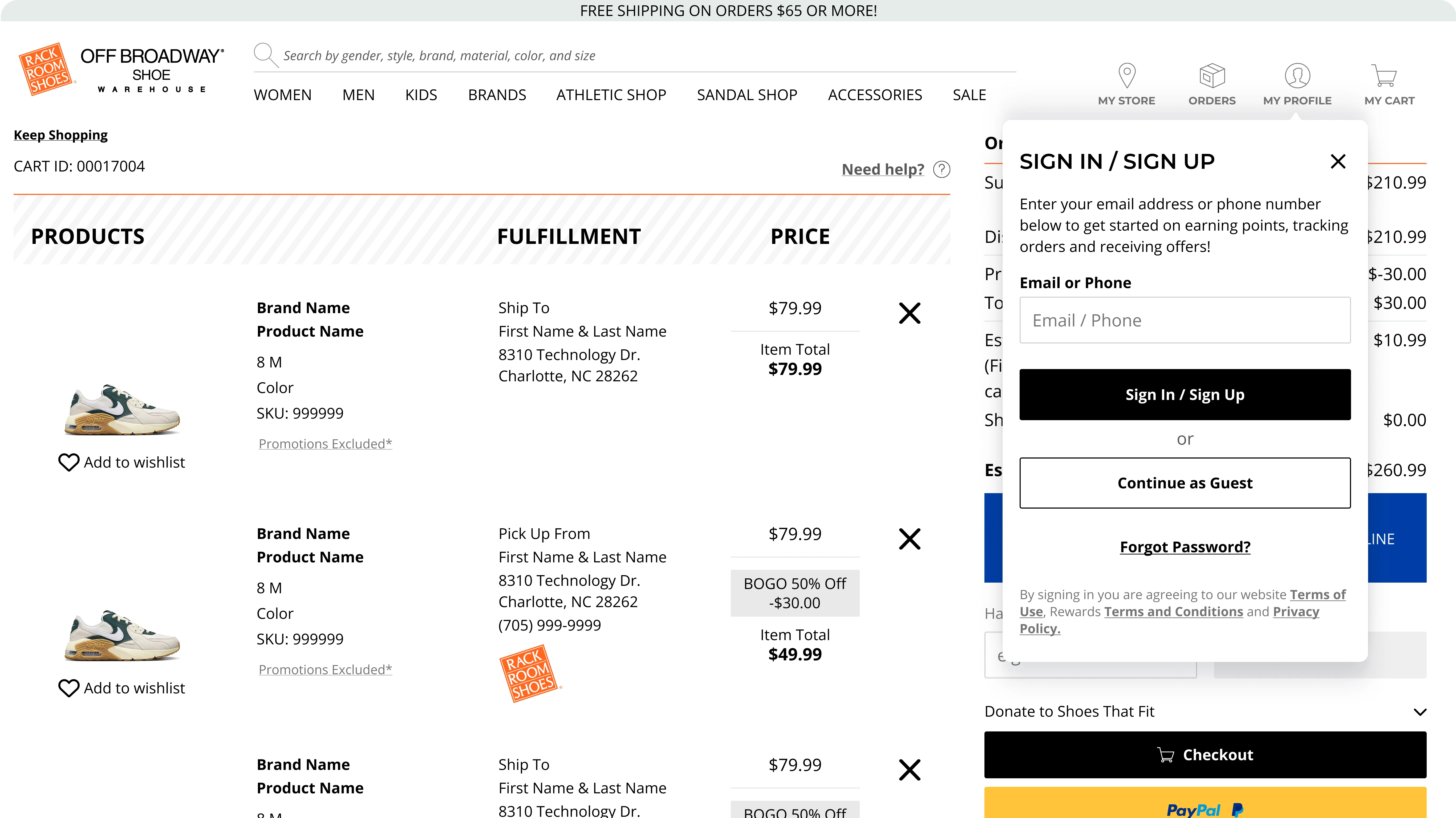
Rack Room’s checkout has a few issues that disrupt the user experience. Users are often asked to sign in mid-checkout, causing them to lose progress. The address type-ahead is frequently overridden by autofill, leading to mistakes, and customers can’t easily review or edit their info. These pain points make the process feel disjointed, increasing the risk of cart abandonment and making it harder for customers to complete their purchase.
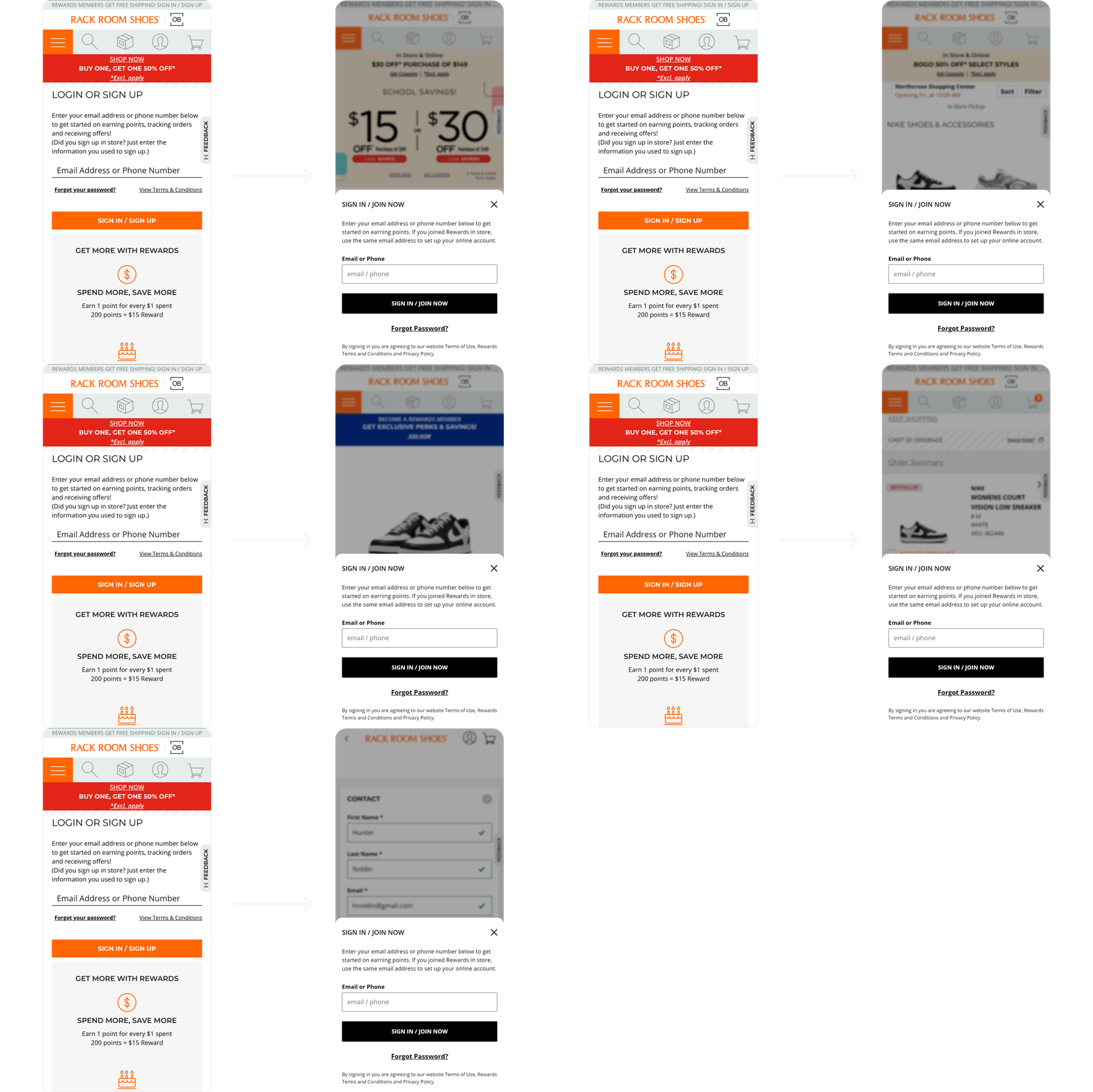
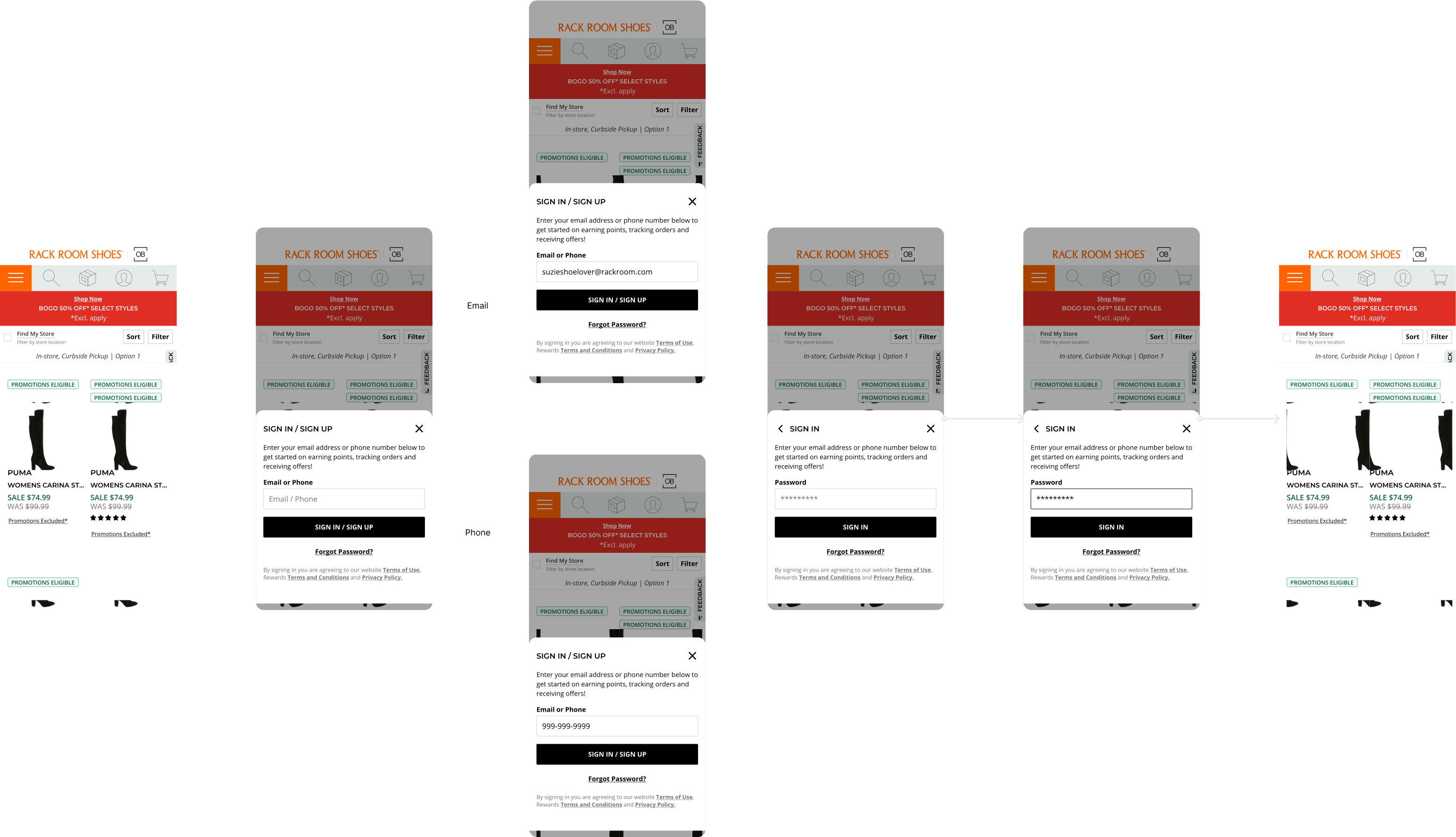
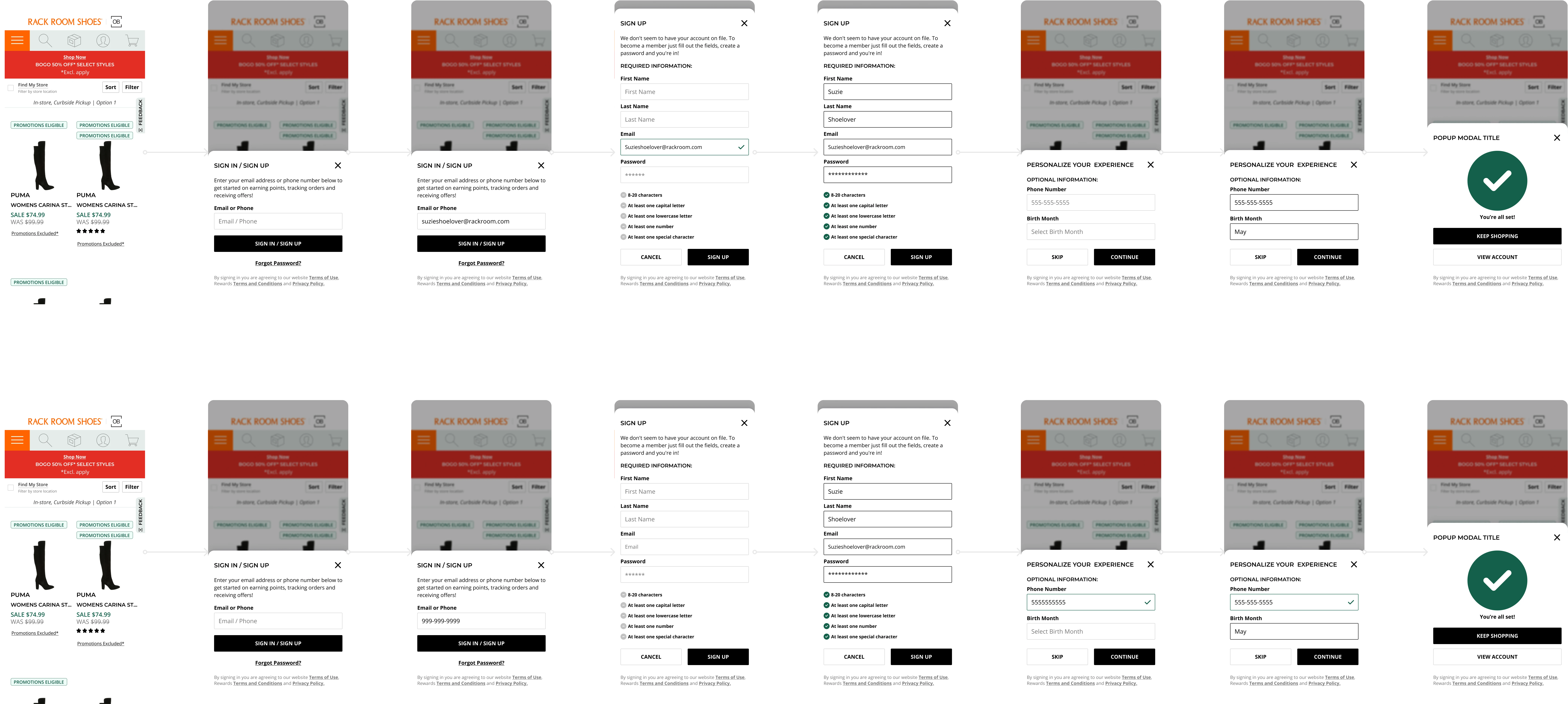
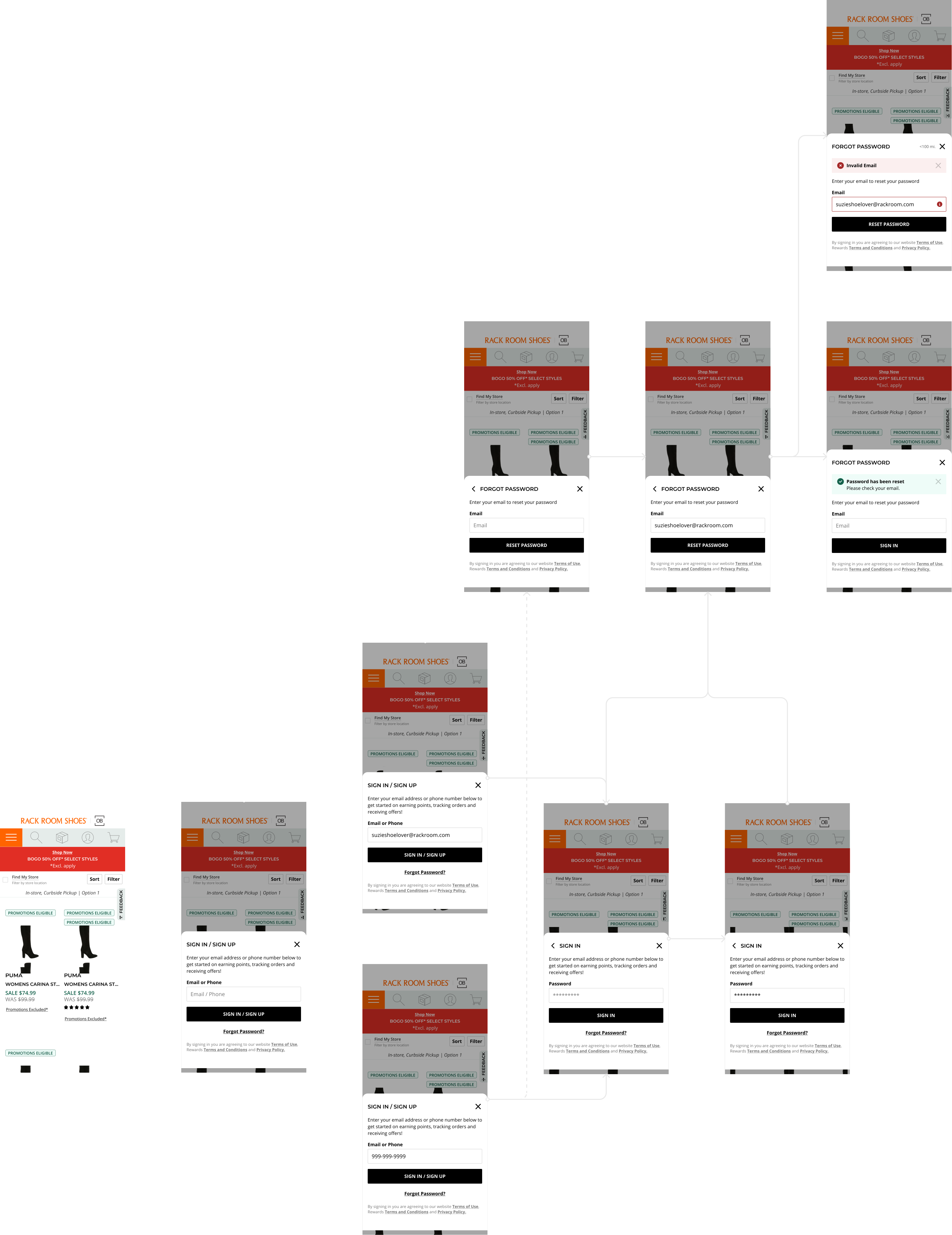
Sign in or Sign up anywhere
Research
Sticking points
To identify where customers are encountering issues during checkout, I used tools like Content Square, Dynatrace, and feedback surveys. These tools helped pinpoint problem areas, but the next step is to understand why—whether due to design flaws, technical issues, or a confusing UI. Key challenges include users losing their progress when prompted to sign in, the address type-ahead feature being overridden by autofill, and the inability to review previous information during the checkout process.

Shoppers journey
Goal
Dream checkout
Making a seamless and flexible experience that enables users to sign in or create an account quickly, with minimal friction.
Old vs New
User Flow
Guest and Registered user flows
Checkout is complex due to the many user choices. We focused on key areas like the delivery step, sign-in process, and checkout card states. A modular card system provides flexibility, allowing users to easily edit any part of the process. The goal was to minimize clicks while enhancing the user experience, taking inspiration from major retailers like Walmart, Target, Amazon, and our competitors.
Address step [Rewrite this to sound better]
The whole flow
Create diagram when user signsin mid chekcout
prototype
Prototype
A video of prototype and a screenshot of all the noodles
also a button to the site.
Testing
Testing
Talk about how we are no longer hearing negative feedback in those areas talked about above. But talk about new learnings switching from a multi page checkout to a SPA